Blog / Website planning
B2B catalogue or ecommerce: which fits your business?
Choose between a quote-led catalogue, online checkout and a hybrid approach by looking at how your customers actually buy.
By DigiCrafts · 2 November 2026
Start with the buying decision
A product website does not always need a checkout. If your team must confirm a specification, quantity or delivery date before accepting an order, a useful catalogue can support the sale better than a basket that cannot provide a reliable price. If the buyer can choose a clearly defined product and pay without assistance, ecommerce may remove unnecessary steps.
Choose the journey your business can fulfil consistently. A manufacturer selling configurable components has different requirements from a retailer shipping standard, individually priced products.
When a catalogue and quotation journey makes sense
A catalogue works well when prices depend on order size, materials, trade agreements or project requirements. Buyers should be able to compare products and send an informed request, rather than having to explain everything in an empty contact form.
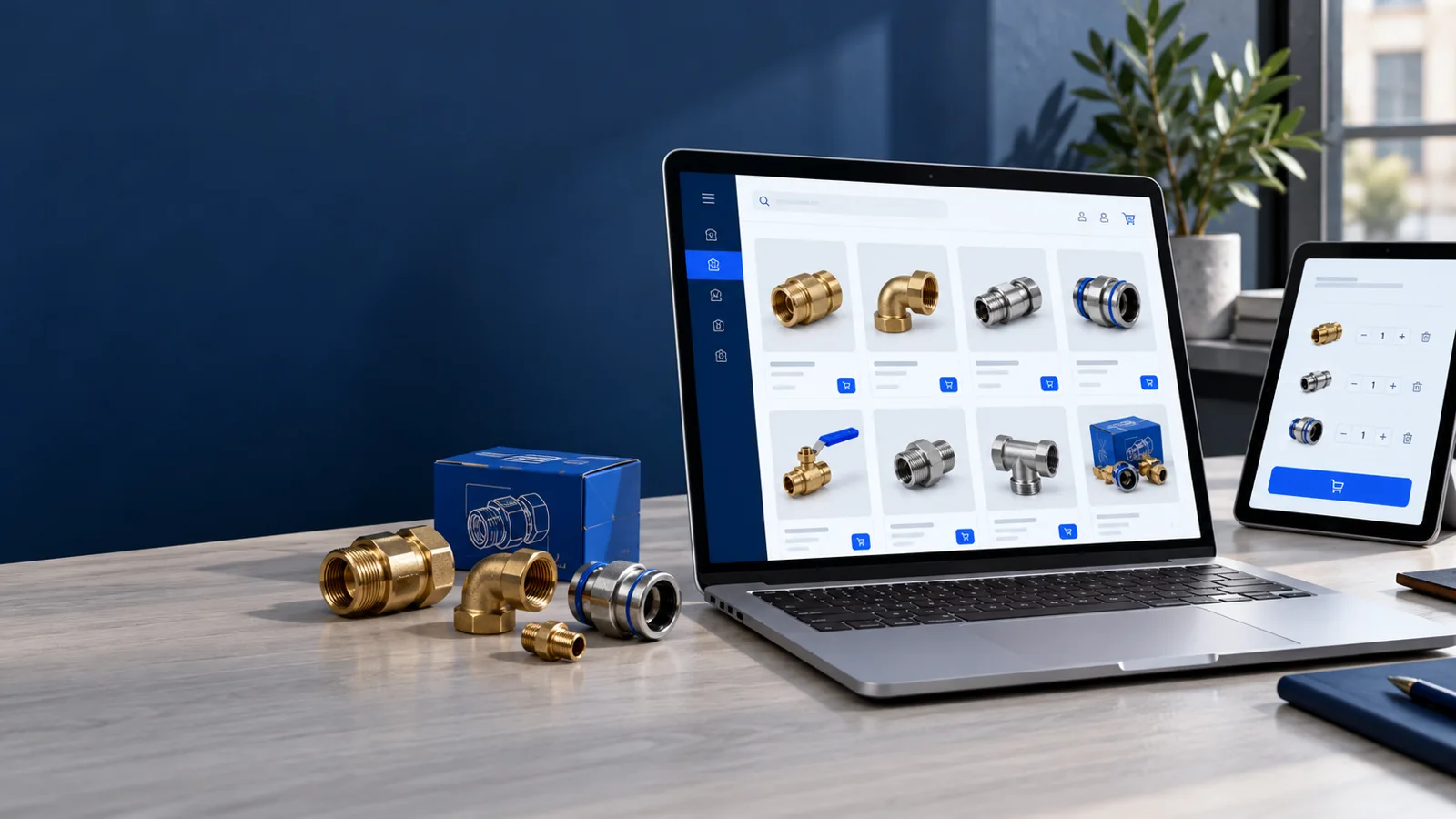
For industrial fittings, for example, the product record may need material, thread standard, dimensions, pressure rating and an approved technical datasheet. An enquiry should carry the selected model, quantity and intended application through to your sales team. Do not present a technical specification as verified unless your business has checked it.
Useful features include specification filters, downloadable documents, an enquiry basket and an optional drawing upload. Define file types, size limits and who can access those uploads. See our B2B catalogue website design guide for the broader project scope.
When ecommerce is the clearer choice
Checkout is useful when you can maintain accurate prices, stock and delivery rules. Before adding payment, define which destinations you serve, how delivery charges are calculated, and what happens when an item becomes unavailable. The website should not promise a fulfilment process that your team cannot support.
For a packaging supplier selling standard carton sizes, the product page may need pack quantities, dimensions, minimum order and dispatch information. Buyers should understand whether a displayed price applies to one unit or a whole pack. Product variants must match the inventory records behind them.
Payment, order confirmation, cancellations and account access need testing together. An attractive product page is only one part of an ecommerce website.
A hybrid model can separate two kinds of order
You can sell standard products online while routing custom work to a quote request. Make the distinction explicit: “Buy standard packs” and “Request custom sizing” are clearer than one button that changes behaviour unexpectedly.
Trade accounts can introduce approval, customer-specific prices and restricted catalogues. Plan how an account becomes approved, who can see trade pricing and what happens when a buyer signs out. A hidden button alone is not access control; restricted prices and records must also be protected on the server.
Start with the workflow you need today, then define a later phase for integrations or account features. Our wholesale website guide covers related business requirements.
Prepare product data before designing the pages
Create a sample product sheet with a stable product code, title, category, specification fields, approved images, document links and availability information. Ecommerce also needs prices, tax treatment, weight or delivery class, and variant relationships where applicable. Confirm the appropriate tax and policy requirements with your advisers.
Decide which system owns each field. If staff update stock in an inventory tool, describe whether the website reads it automatically or relies on a manual update. Record who resolves a failed update and what the visitor sees while information is unavailable.
Good filters depend on consistent values. “25 mm”, “25mm” and “0.025 m” should not become three unrelated choices. Test your structure with real product data before importing the full catalogue.
Five questions to decide your first release
- Can the buyer identify the correct product without speaking to your team?
- Can you display a dependable price for their quantity and account?
- Can you calculate delivery and confirm availability before payment?
- Does the team have a clear process for handling orders or quote requests?
- Who will keep specifications, prices, images and policies current?
If the first three answers depend on a conversation, prioritise a strong catalogue and structured enquiry. If they are reliable, consider checkout. If only part of the range qualifies, separate the two journeys instead of forcing every product through the same flow.
Test the handover, not just the screen
For a quotation journey, submit a realistic multi-product request and confirm that sales receives the selected codes, quantities and attachments. For ecommerce, test an order from product selection through confirmation and fulfilment using the payment provider’s test mode. Check both journeys on a phone.
Document who owns the accounts and what your team can edit after launch. Use a website design brief to capture these decisions before comparing proposals. DigiCrafts operates from Delhi and Mumbai and works remotely with businesses in India and overseas.
Plan a useful product website.
Tell us about your product range, pricing process and the systems your team uses. We can help define a practical first release.